Corsair 9000D RGB Airflow ? Hands-on and Quick Review
Corsair 9000D RGB Airflow – While its case products are spread across many different segments, from the Corsair 2000 Series for compact SFF cases, the Corsair 4000 and 5000 Series for mainstream Mid-Tower cases, to the Corsair 7000 series for spacious Full-Tower cases, Corsair seems to be looking for more niche segments for its current products.
Typically, the Corsair 3500X iCUE LINK RGB Mid-Tower case, launched at Computex 2024, marks a major shift in design with two adjacent tempered glass panels, implementing many 'bold' ideas in the system building process and fully applying the proprietary iCUE LINK ecosystem to solve the 'problem' of managing lighting and cooling systems.
Simultaneously, the company also launched the Corsair 9000D RGB Airflow 'Super-Tower' case , developed from the renowned 1000D series to offer ultra-flexible system building capabilities, along with a host of improvements in design details, applying familiar operating philosophies and leveraging new technologies such as those of the iCUE LINK ecosystem.
Marking Corsair's return to the Super-Tower segment, what special features will the Corsair 9000D RGB Airflow super case offer? Let's find out in this article from tipsplay.net!
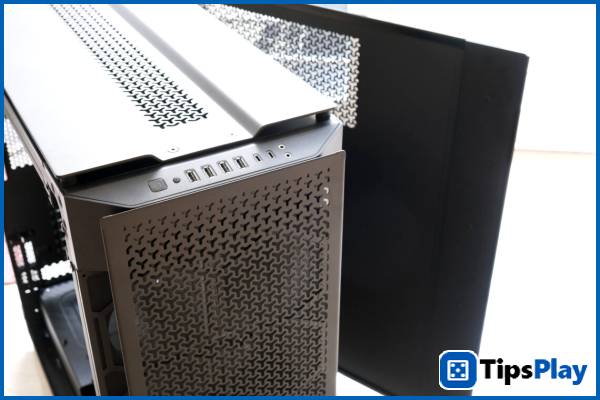
Corsair 9000D RGB Airflow – Unlimited expandability!
Compared to the renowned OBSIDIAN 1000D Super-Tower case, the Corsair 9000D RGB Airflow is considered a "perfect upgrade," comparable in its "massive" size, component placement, most of its design, and exclusive features such as the InfiniRail fan rail system and support for two motherboards simultaneously.
However, most of the details, from small to large, of the 9000D have been refined by Corsair to deliver a more complete case experience, significantly improving expandability, optimizing cooling efficiency, and updating to more modern connectivity methods for users.
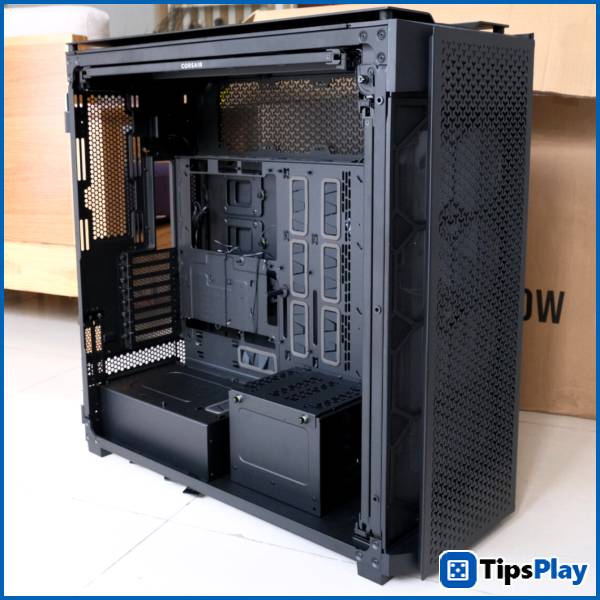
Hence the name Airflow , Corsair has completely replaced the focus point in the tempered glass panel of the 1000D series with easily removable, breathable mesh panels to deliver greater cooling performance and open up more installation locations for fans, water cooling components, or radiators.
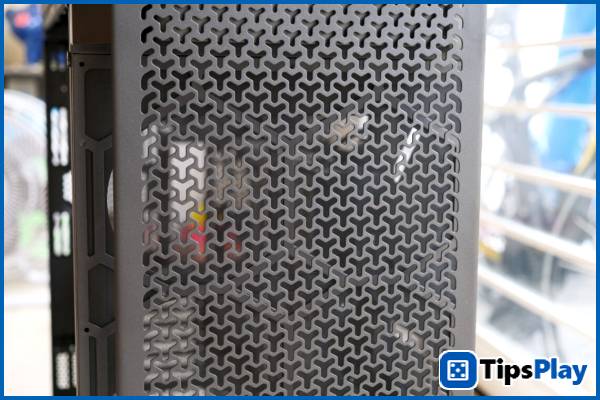
Similar to recent case models like the iCUE LINK 3500X RGB, the 9000D RGB Airflow's air vents are designed with a more subtle alternating Y-shaped pattern, marking a shift in Corsair's design language.
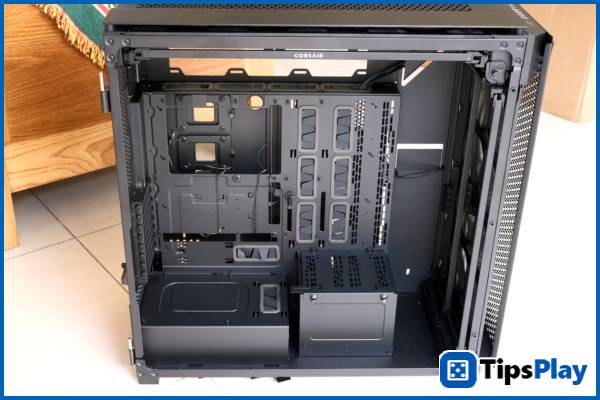
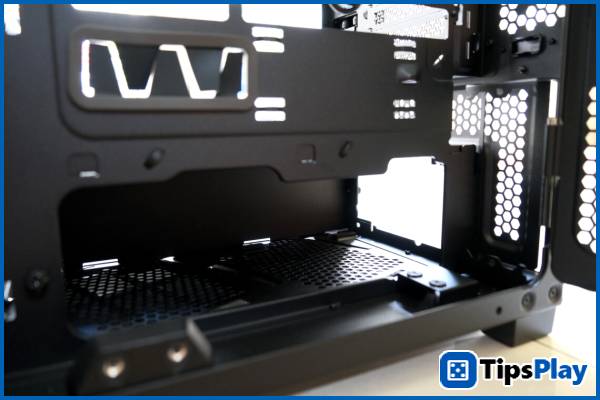
Inside, the Corsair 9000D RGB Airflow features the familiar dual motherboard layout of the 1000D series, capable of running two PC systems in parallel, ample space for custom water cooling systems, neat cable management slots, and numerous mounting points for decorative accessories.
In addition to supporting common ATX, mATX, and E-ATX motherboard standards on the main motherboard bay, the case also supports server-size standards such as SSI-CEB and SSI-EEB for workstation systems using dual CPUs. For the secondary motherboard bay, the case still supports 'smaller' Mini-ITX motherboards, similar to the 1000D series.
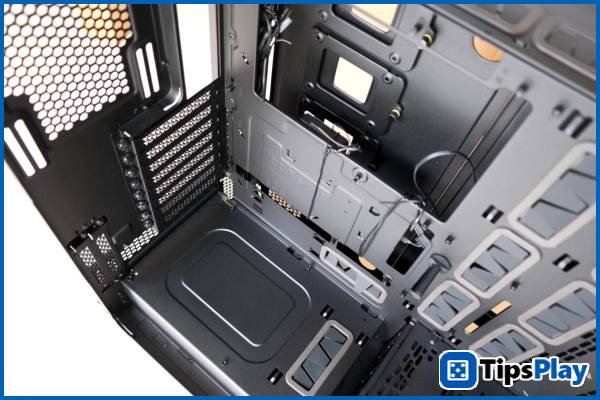
Offering better compatibility with current high-end graphics cards like the ASRock RX 7900 GRE, the case supports PCIe devices up to 400mm in length via 8 expansion slots, along with 2 vertical PCIe slots for secondary motherboard trays.
Additionally, the Corsair 9000D RGB Airflow features new doubleshot rubber cable management caps that provide better cable retention and routing compared to standard rubber caps.
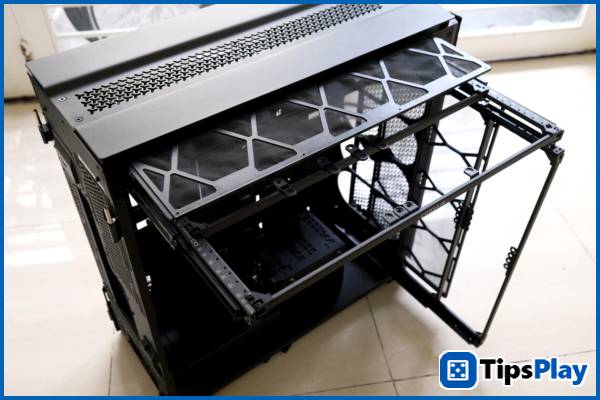
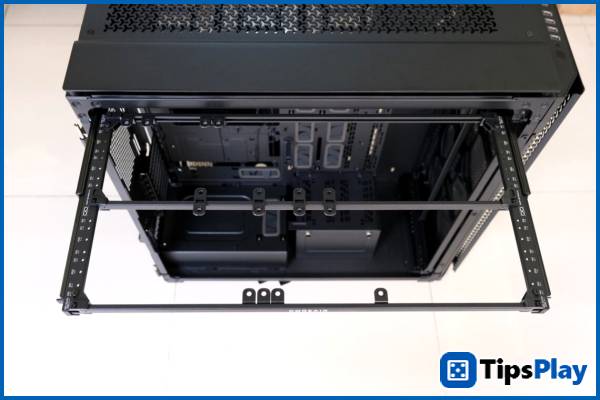
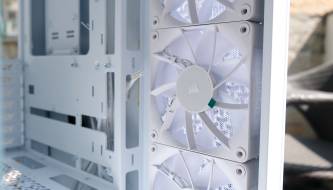
Thanks to its 'gigantic' size, the Corsair 9000D RGB Airflow is equipped with the ability to install a total of up to 18 different 120mm fans, along with 4 main slots supporting radiators up to 480mm in length, 1 slot supporting 360mm, and 1 slot supporting 240mm.
When supporting various fan mounting positions, Corsair equips its cases with dual InfiniRail rails as a solution to streamline the installation process and provide flexibility in radiator setup, thanks to the ability to extend the rails to expand the installation area within the case.
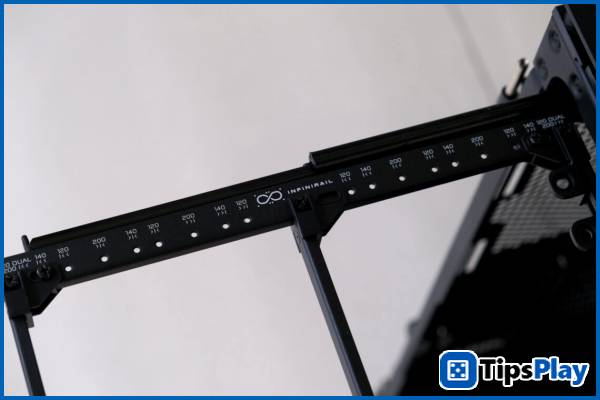
Similar to the OBSIDIAN 1000D, the Corsair 9000D RGB Airflow features InfiniRail on both the front and top, although the top rail has been improved by Corsair to support up to eight different 120mm fans, along with the ability to install two 480mm radiators, similar to the front.
Taking advantage of the new ventilated back panel, the case is equipped with an additional mounting point for a 360mm long radiator located above the motherboard, along with a 240mm side mounting point.
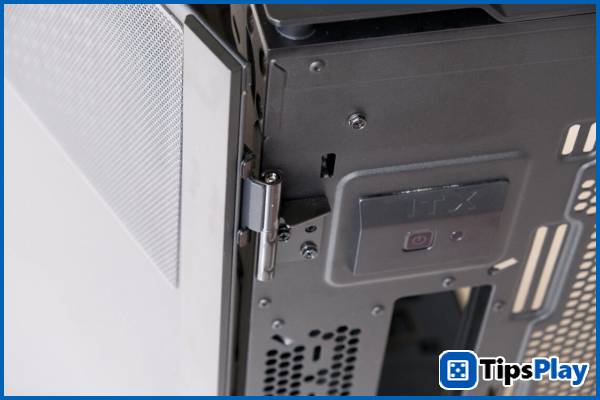
The two side panels of the Corsair 9000D RGB Airflow can be easily accessed via a hinged 'double door' system with just a few simple steps, and can also be removed during installation and cleaning.
On the back, the power and reset buttons of the secondary motherboard tray are also accessible and marked 'ITX'.
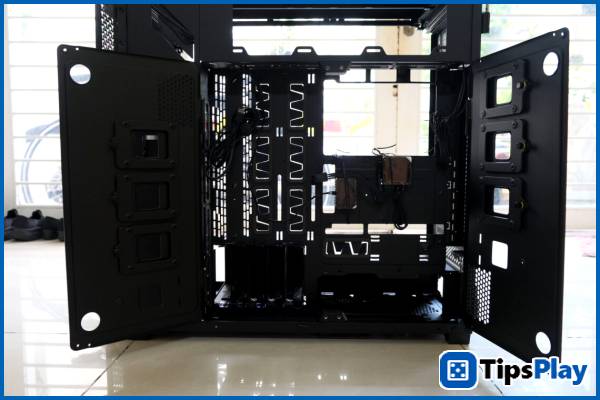
On the back, the Corsair 9000D RGB Airflow features the familiar two magnetic doors, which open to reveal a series of hard drive bays, two spacious power supply compartments, an RGB control hub, and an included iCUE LINK control hub.
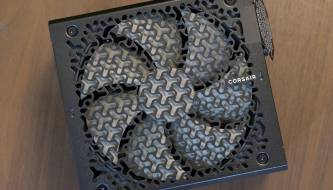
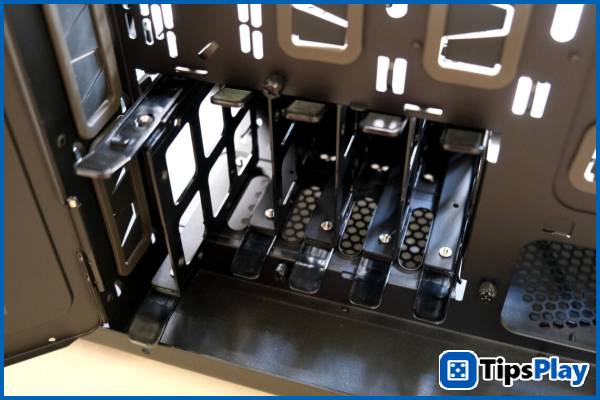
In terms of storage, the case supports up to six 2.5' SSDs in the door bays and five 3.5' HDDs in removable drive cages, along with an ATX power supply or a standard Corsair Shift power supply with side-mounted cable connectors for the main system, and an SFX/SFX-L power supply for the secondary system.
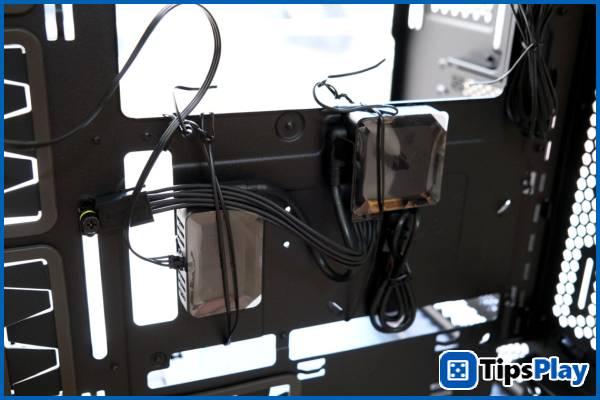
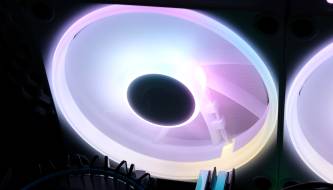
When building a system that needs to control a large number of fans, various lighting arrays, and diverse cooling devices on the Corsair 9000D RGB Airflow , the iCUE LINK ecosystem is fully utilized by providing 'plug-and-play' functionality between adjacent fans, partly limiting the number of 'bulky' cables while still easily identifying and controlling connected devices.
As a result, configuring fan speeds, pump performance, and lighting modes is entirely centralized in a single software program, leading to better connectivity and more precise control between components.
The front-facing ports of the Corsair 9000D RGB Airflow include four USB 3.2 Gen1 Type-A ports and two USB 3.2 Gen2 Type-C ports, designed as a 'USB Hub' to integrate connections into a single cable, instead of the multiple separate cables often found on other cases. Thanks to this, the integrated 3.5mm headphone and microphone jacks are also equipped with a separate audio processing unit (DAC) to enhance user audio quality.
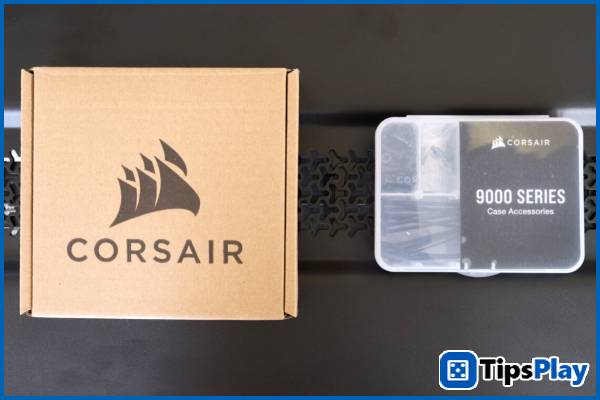
Completing the 'Super-Tower' setup, the case comes with a host of accessories including cable ties, a reusable screw box, a microfiber cloth, and Corsair's proprietary 'one-turn' QuikTurn screw set for easier fan installation.
Summary
Aimed at HEDT (High-end Desktop) users, the Corsair 9000D RGB Airflow is designed with features, expandability, and build quality that appear to be the highest possible in a single case solution.
Thanks to its ample space, diverse installation options, and a host of supporting features, the Corsair 9000D RGB Airflow easily meets the most demanding needs of HEDT users – from a powerful 'home' workstation, an integrated gaming and streaming system, to becoming the 'framework' for a creative custom water cooling setup.
Update 19 March 2026
Kareem Winters
Kareem Winters is an AI integration expert, a strategic process of embedding artificial intelligence technologies—such as machine learning (ML), natural language processing (NLP), and computer vision—directly into an organization's existing systems, applications, and workflows.