Microsoft releases emergency update for Windows 11
Microsoft has also refreshed the interface of account dialog boxes with a modern style and better compatibility with Windows 11's dark mode.
Microsoft has had to recall an optional update for Windows 11 after users reported a series of errors during installation. The cumulative update KB5079391 – which was released to improve system quality – failed to install on many machines and repeatedly displayed error code 0x80073712.
To address the issue, Microsoft quickly released emergency patch KB5086672 for devices running Windows 11 25H2 and 24H2. The new update completely replaces the previous faulty update package and incorporates all fixes and improvements from the March 2026 updates, including the patch related to the installation error.
Users can receive the KB5086672 update through Windows Update or manually download it from the Microsoft Update Catalog. This patch also applies to devices that have installed KB5079473 or later updates.
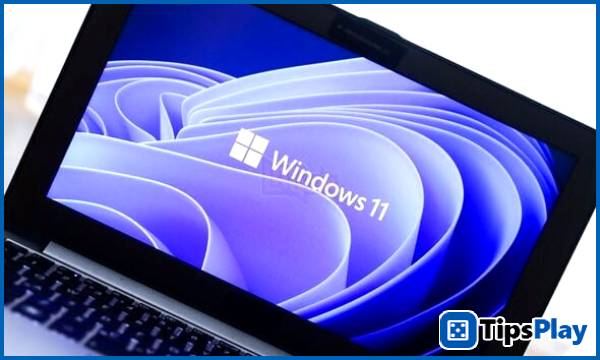
The new features are still retained in the patch.
Although KB5079391 was recalled, its improvements were still included in patch KB5086672. Notably, this includes an upgraded Narrator with improved image description capabilities and Copilot integration, helping users access visual content more effectively.
Microsoft also refreshed the interface of account dialogs with a modern style and better compatibility with Windows 11's dark mode. File Explorer was improved with faster and more reliable file unblocking capabilities and support for voice input when renaming files.
Additionally, the update includes a series of display-related upgrades such as support for screens with refresh rates above 1000Hz, improved HDR, increased stability of automatic screen rotation, and optimized power consumption for USB4 monitors when the device is in sleep mode.
Windows 11 continues to face criticism for faulty updates.
This latest incident further raises concerns about the stability of Windows 11 updates. Previously, Microsoft faced criticism when the January security update KB5074109 caused a series of serious bugs, especially for gamers using Nvidia GPUs.
Many users reported FPS drops, display errors, and system instability, to the point that Nvidia recommended uninstalling the update to avoid problems. Furthermore, some devices experienced boot failures with the message 'UNMOUNTABLE_BOOT_VOLUME', forcing users to restart their systems.
Other issues have also been reported, such as computers being unable to shut down or go into sleep mode, while cloud applications like Outlook, OneDrive, and Dropbox are experiencing instability.
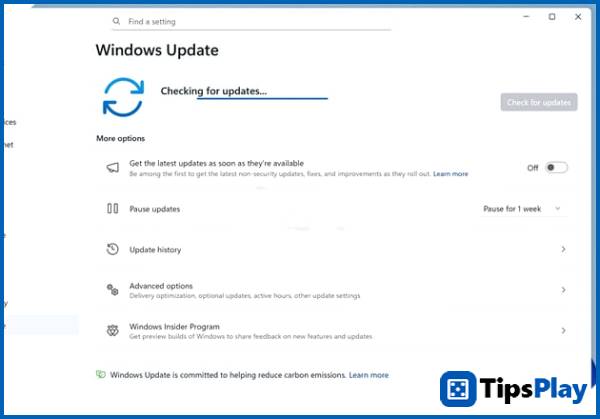
Microsoft needs to improve its update release process.
The constant release and withdrawal of updates has significantly damaged user trust in Windows Update. Microsoft had previously committed to improving its testing process and enhancing the stability of Windows 11, but in reality, faulty updates still appear quite frequently.
With KB5086672, Microsoft hopes to quickly fix installation issues and ensure the system returns to stable operation. However, the user community is still waiting to see whether the new patch will truly resolve the problems completely, or whether further errors will arise in the future.
Update 05 April 2026
Micah Soto
Micah Soto is a creator of systematic processes encompassing the design, creation, testing, and maintenance of computer programs and applications. He transforms an idea or a set of user requirements into a functional software product that solves problems, automates tasks, or provides entertainment.