Razer Gigantus V2 Pro ? Hands-on and Quick Review
Razer Gigantus V2 Pro – Recently, mice have been a hot topic in the gaming gear market, with technology and design constantly improving, from sensors supporting increasingly higher resolutions to incredibly lightweight designs and switchless button layouts that minimize latency.
However, behind the scenes, mousepads have also improved alongside lesser-known technologies, from being entirely made of tempered glass to maximize gliding, using different base materials like Poron fiber, to more control options and an increasing focus on build quality, pioneered by brands like Ninjutso and Pulsar.
Following this trend, Razer launched the Gigantus V2 Pro with five speed and precision options to cater to almost every gamer, while equipping it with the highest quality materials specifically tuned for maximum performance across all game genres and environments.
What different experiences will the Razer Gigantus V2 Pro offer compared to previous mousepads from the "snake" brand? Let's find out in this article from tipsplay.net!
Razer Gigantus V2 Pro – Meticulous design and craftsmanship.
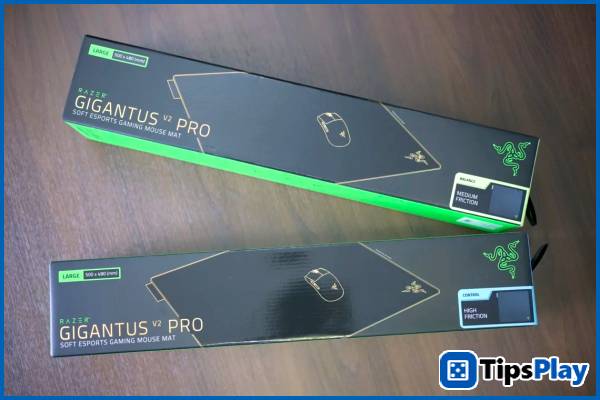
Packaged in Razer's familiar, simple blue-and-black box, the first surprise in the unboxing experience was the weight and sturdiness of the mousepad, along with a rather strong rubber smell remaining from the manufacturing process.
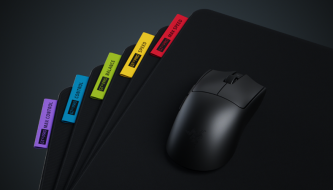
These two factors are relatively clearly reflected in the design decisions of the Gigantus V2 Pro series through the thick rubber cushioning as the 'core' and the surface fabric, which is finely tuned to the precision desired by the user, from 'control' options in the Max Control and Control versions, 'speed' in the Max Speed ??and Speed ??versions, or the need for balance in the Balance version.
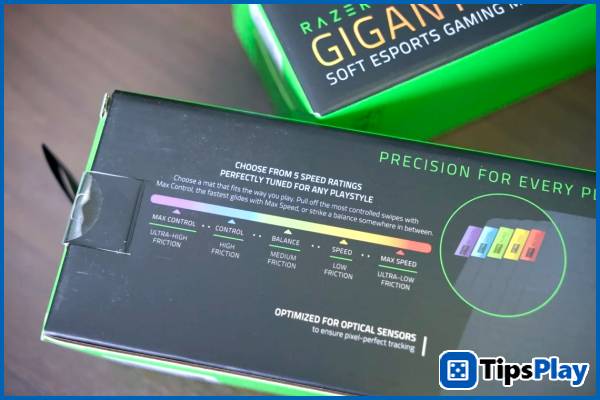
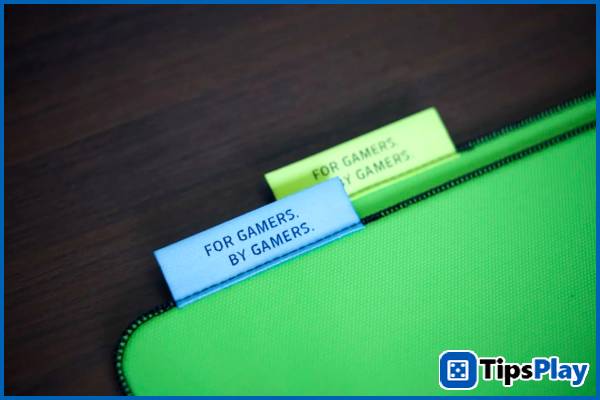
In this hands-on review, the author will experience both the Control and Balance versions, distinguished by their characteristic light blue and green labels.
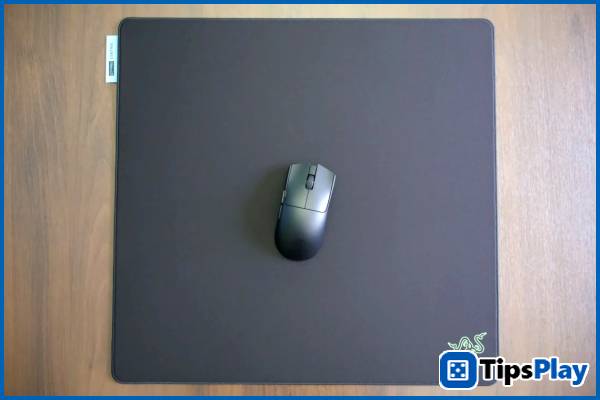
Optimized for a seamless gaming experience while remaining compact for portability, the Razer Gigantus V2 Pro boasts a square yet spacious 500x480mm size, suitable for most games requiring extensive mouse movement, such as first-person shooters. It allows gamers to play with low sensitivity while still having ample surface area for performing impressive flick shots.
While not as large as typical "desk mat" mousepads, the Razer Gigantus V2 Pro 's ample surface area and soft design allow gamers to easily roll it up for portability, bringing the familiar mouse experience anywhere.
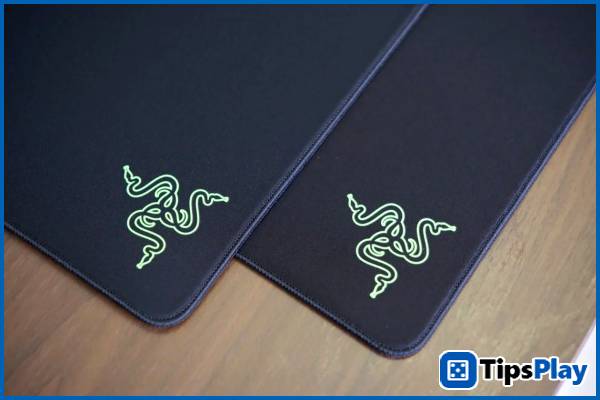
The most striking feature of the Razer Gigantus V2 Pro is its incredibly meticulous fabric quality and craftsmanship. This is thanks to the consistent weave and the thin, seamless 'low-profile' edges, avoiding the wrist discomfort often experienced with many mid-range mousepads during extended gaming sessions.
As a key component determining the glide of the mousepad, the coating and fabric surface on the Razer Gigantus V2 Pro are very evenly and smoothly applied, creating the necessary slipperiness for high-speed movement while preventing wear and tear on the mouse feet after prolonged use.
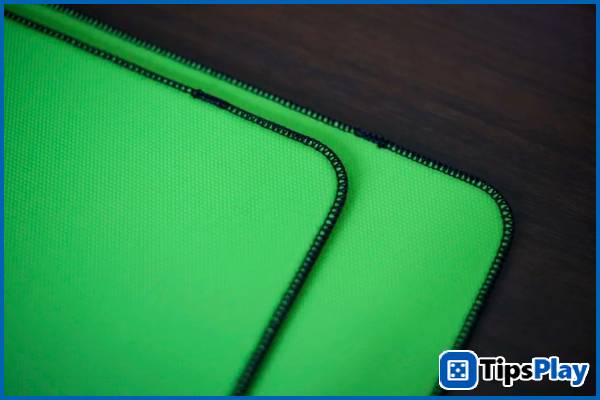
Below, each speed option of the mousepad will be equipped with three different GlideCore foam versions: a soft foam for increased friction and grip for the two control versions (Control and Max Control), a medium foam for the regular (Balance) and fast (Speed) versions, and a hard foam for maximum glide for the 'high speed' version (Max Speed).
In addition, when combined with the thick rubber padding on the underside to increase grip on most playing surfaces, the mat seems to 'not budge' even when placed on the slipperiest surfaces such as wooden tables or alongside fabric mats.
Razer Gigantus V2 Pro – Experience precise mouse movement
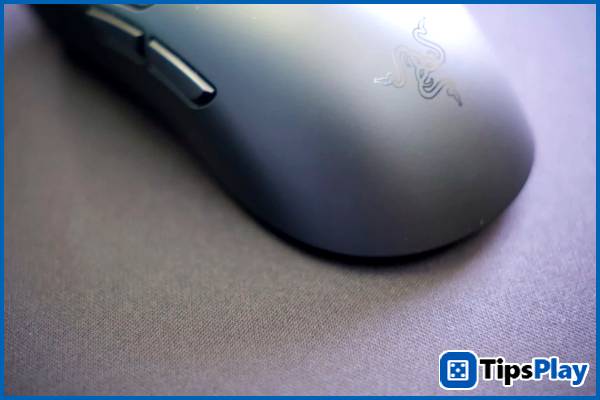
In a hands-on experience with the 'Balance' and 'Control' versions of the Razer Viper V4 Pro, the pair provided precise movement thanks to the right amount of friction and a fairly firm cushion, offering better mouse control without requiring as much time to get used to as the 'high-speed' versions.
The precision in movement is most noticeable in repeated mouse movements in the same location – such as the 'check corner' action in Counter-Strike 2 , with the mousepad producing consistent results without excessive movement. Particularly in the 'Control' version, the author was able to flick accurately even after only a few levels, despite not being very familiar with the mouse surface.
For games that involve a lot of mouse movement and activating the cursor, like Age of Empires II , the 'Balance' version offers sufficient speed for moving between the two ends of the screen, yet remains precise enough to select the correct trigger points and 'place troops' without deviating too far from the player's desired position.
In addition, subtle design choices such as the thin woven edges, sturdy non-slip base, and smooth surface coating enhance the user experience, preventing wrist discomfort during prolonged use – especially for gamers who often place their mouse near the edge of the mousepad, or experience varying mouse movement results between different game scenarios.
Summary
Overall, the Razer Gigantus V2 Pro is a worthwhile mousepad thanks to its precise and customizable movement experience across different speed options, featuring top-of-the-line components including a uniform coating, thick foam, and a sturdy, meticulously crafted rubber base.
However, to achieve Razer's most accurate and premium gaming experience, users have to pay a relatively high price for the Gigantus V2 Pro.
Update 29 March 2026
Jessica Tanner
Jessica Tanner is a Technical Analyst who serves as a crucial link between an organization's business needs and its information technology (IT) systems. She specializes in evaluating, designing, implementing, and maintaining software, hardware, and network systems to optimize business processes.